
School is back in session!
Vocabulary.com’s activities and friendly competition are sure to get students at any grade level excited about learning. We’ve been working on new resources to motivate students and make it easier than ever to align vocabulary learning with your curriculum.
Learn about some of the latest from Vocabulary.com to see how we help you level up word learning all school year!
Print your quizzes
We’ve heard your requests and we’re excited to announce that teachers can now print quizzes directly from the Assignments tab of your classes. This long-awaited feature allows teachers to easily generate hard copy quizzes for offline use or classroom distribution and accommodation for students with special education needs.

Practice without the filler
Teachers can now exclude filler questions from Practice activities. By excluding these filler questions, students can devote all their learning time to practicing words directly relevant to learning objectives and maximizing study time. With this new update, teachers can curate each assignment to ensure students engage with the most pertinent material!

Double check quiz answers
This new addition makes it easier for students to show what they know with fewer errors and more perfect scores on Quizzes. We’ve added a submit button for each quiz question to reduce accidental incorrect answers and to encourage students to check their work.
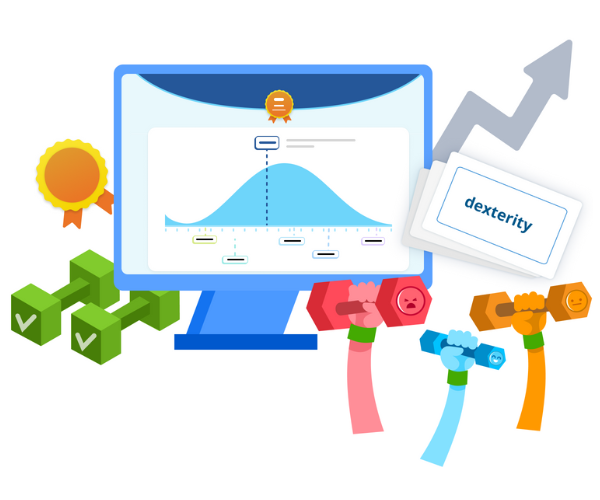
Pump up word learning with VocabTrainer™
Our newest learning activity VocabTrainer™ combines adaptive technology and gamification for a fun way to help students master words. VocabTrainer™ identifies each learner’s individual vocabulary level and then focuses training on new words to systematically improve and build their vocabulary.

Maximize your subscription
Get the most out of Vocabulary.com! Take advantage of our on-site or virtual professional learning experiences designed to equip teachers with in-depth knowledge and practical strategies. These engaging and interactive sessions give teachers the tools they need to maximize their Vocabulary.com account.
Explore Professional Development options

Get free tips and tricks
What are the best ways to implement Vocabulary.com in your classroom? Our 30-minute webinars cover Vocabulary.com’s best practices, curated resources, and how to integrate them with your existing curriculum. These are recommended for any educator who wants to learn more about Vocabulary.com with step-by-step information on how to get up and running in no time. These webinars are free and accessible to all users!
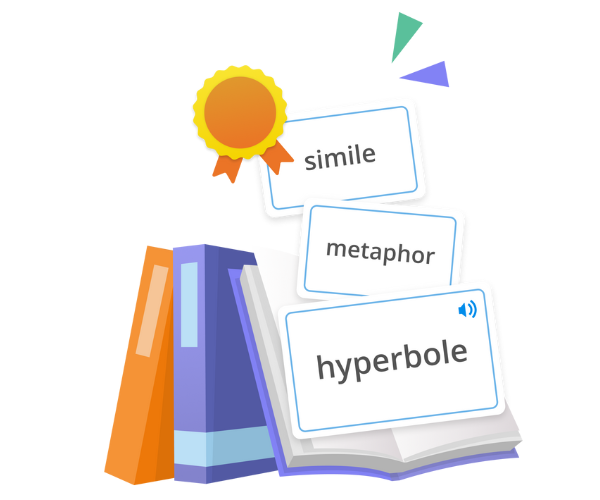
Jump-start learning in an instant
In addition to our 13,000+ curated vocabulary lists, InstaList makes curriculum-aligned vocabulary easy and instant! Paste up to 100 pages of text from anywhere, from news articles to science textbooks, and we’ll instantly handpick the most relevant vocabulary words for a custom list.

Let learners explore
We’ve got thousands of vocabulary lists for any topic–right at your fingertips! Learners can easily browse our new Learner Resources Center to find lists that ignite their interest or align with what they need to learn. We’ve got essential vocabulary, academic topics, test prep, and more covered. Our word experts curate resources with something for everyone, from Words to Describe Yourself on a Resume to Appetite for Instruction!
Explore the Learner Resource Center
Start with the basics
Vocabulary.com’s ESL/ELL Resources page includes a variety of resources for non-native English speakers. We’re committed to helping everyone increase their word knowledge and master new words, regardless of proficiency level. From commonly confused words to US Citizenship test prep, we have the resources learners need to become English vocabularians!

Discover even more from the dictionary
Vocabulary.com’s Dictionary is the most robust online dictionary with engaging explanations and real world sentence examples that go beyond just a definition. We’ve added some new features to our dictionary that are sure to help learners at any level!
- Sound it out with International phonetic alphabet (IPA) transcriptions
- Pronounce it like a pro with pronunciation videos
- Put it into Practice with relevant vocabulary lists
- Broaden learners’ understanding with extended word forms
- Submit missing words for review with the missing word suggestion page
- Accurately cite sources in APA, MLA, or Chicago format with entry citation
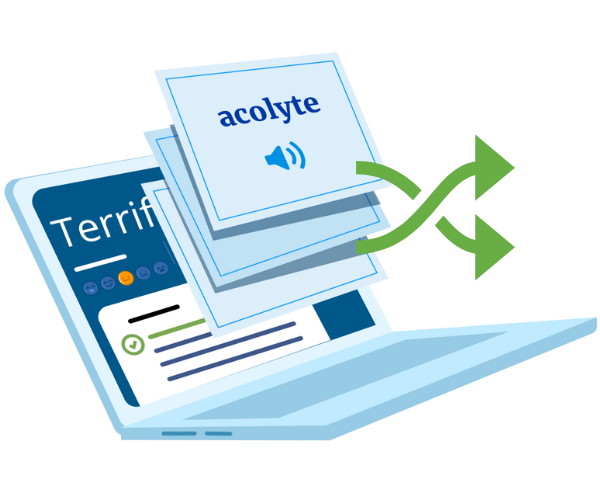
Shuffle up your Flashcards
Take vocabulary learning to the next level with this simple but effective new feature! As learners are learning words with Flashcards, they can shuffle the deck to challenge their knowledge of each word and its definition.